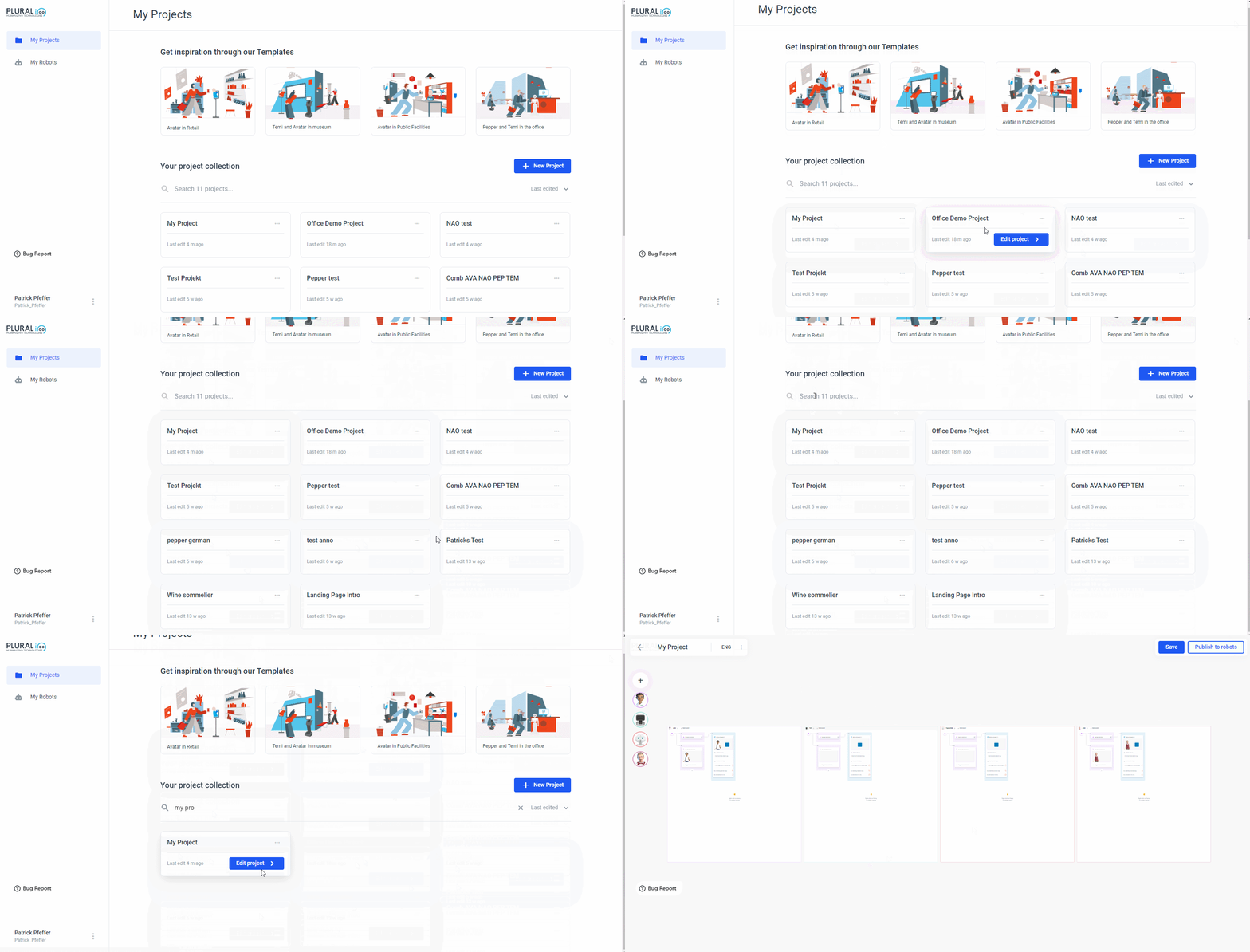
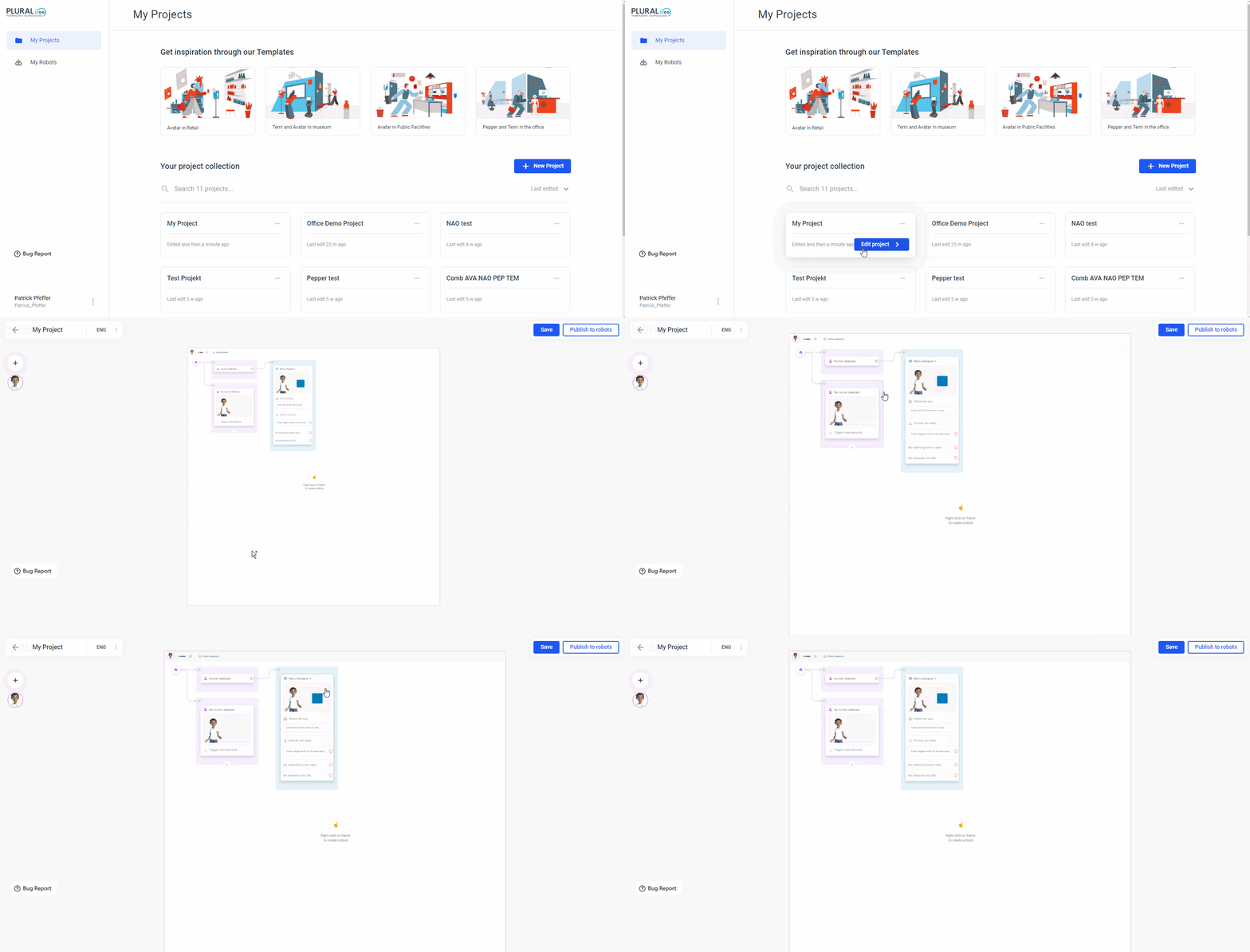
 When click on _Edit project _and you will be linked to the Flow Builder:
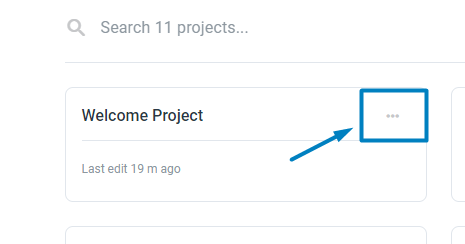
 If you click on the three dots instead, you will have the option to publish or delete the project:
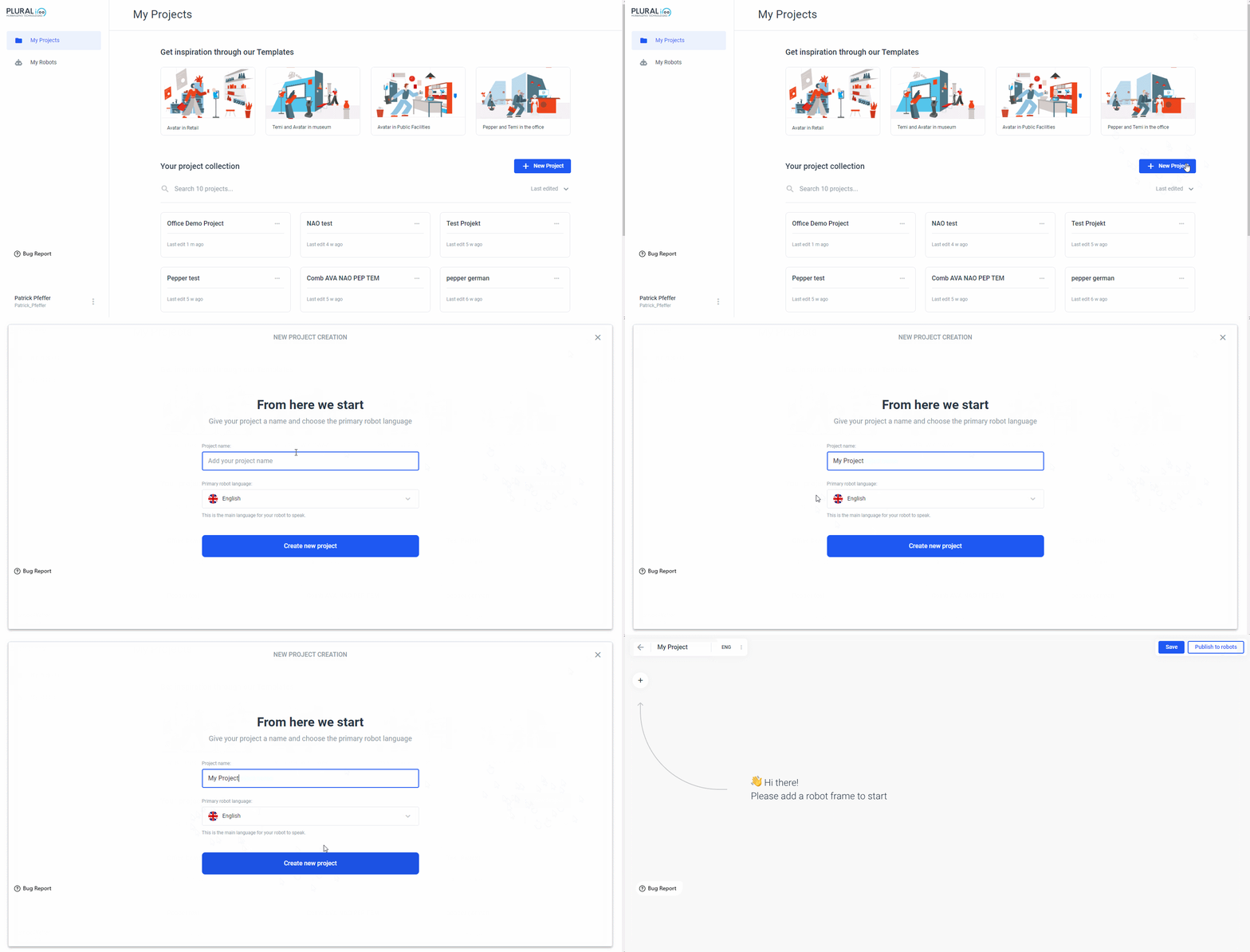
To create a new project, click the_ + New Project_ button. Give your project a name and choose a primary language. You can change the project name later, but the primary language cannot be changed in this version of Plural. It is possible to add another language to our project, but the project will be started in the primary language:
To create a new project, click the_ + New Project_ button. Give your project a name and choose a primary language. You can change the project name later, but the primary language cannot be changed in this version of Plural. It is possible to add another language to our project, but the project will be started in the primary language:
Change the name of your Project
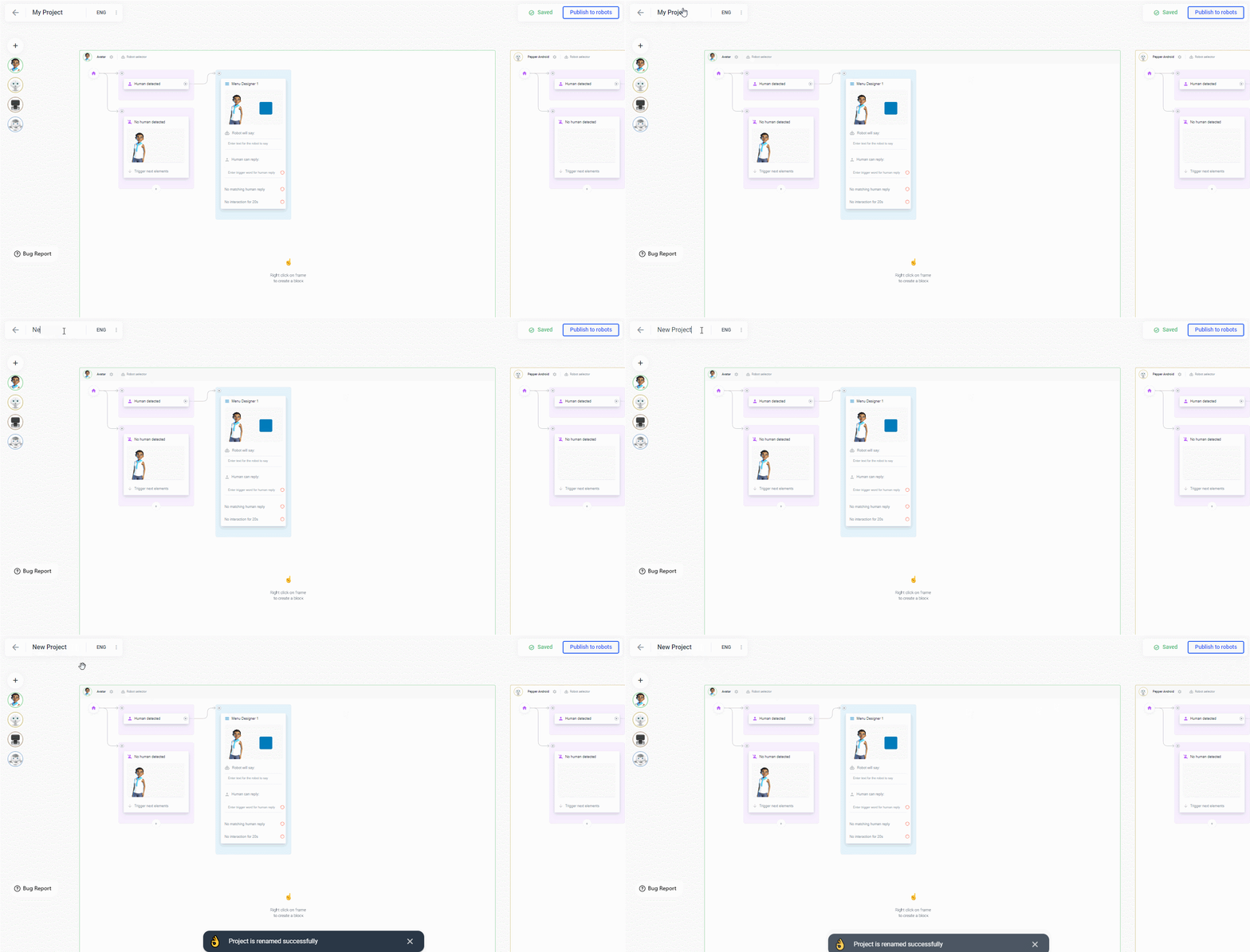
You can also rename you project by clicking on the name in the top left corner and changing it.