 It does not depent if you choosed clone flow with content or without. The elements will be the same in every language. Remember, elements can only be edited in your main language.
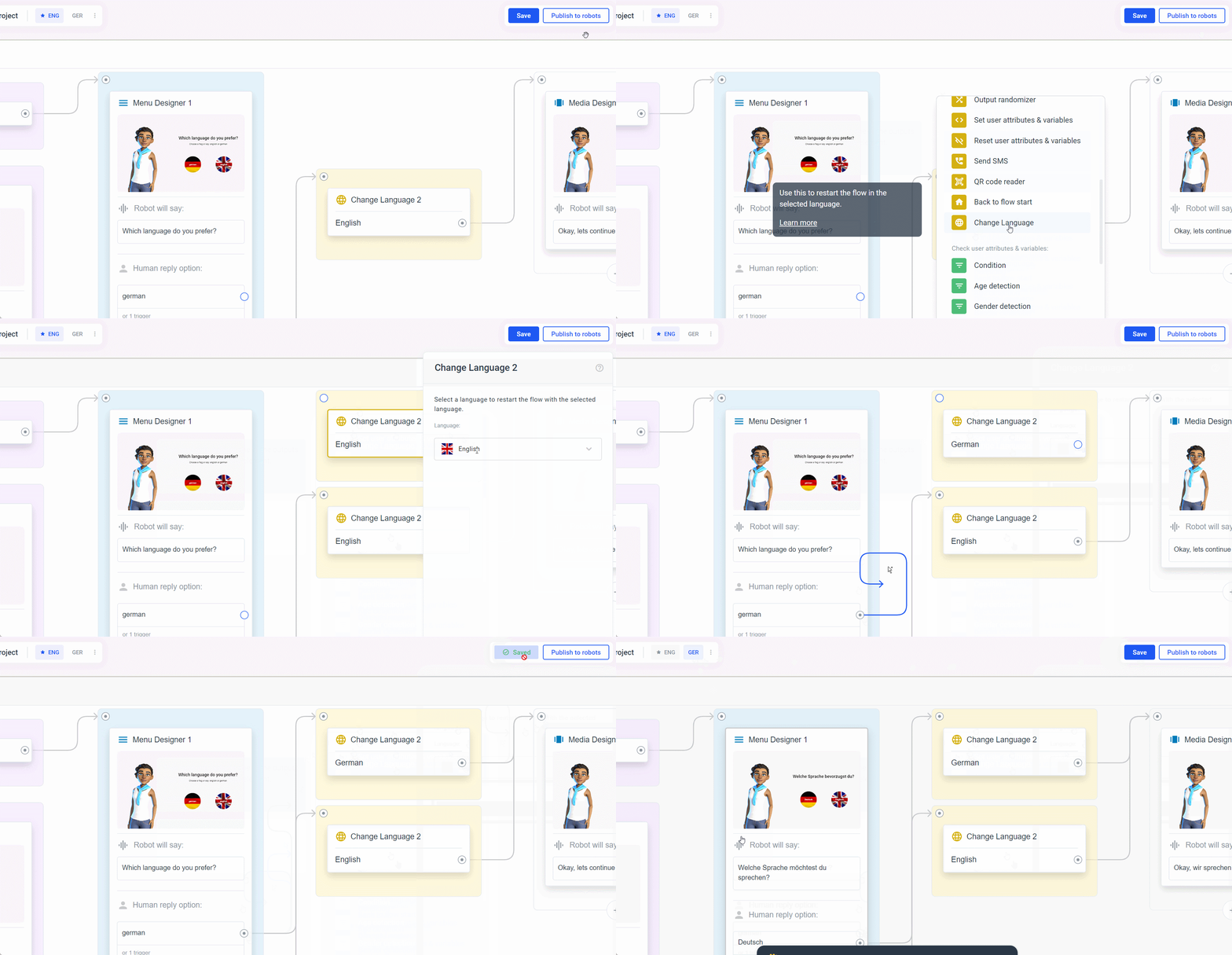
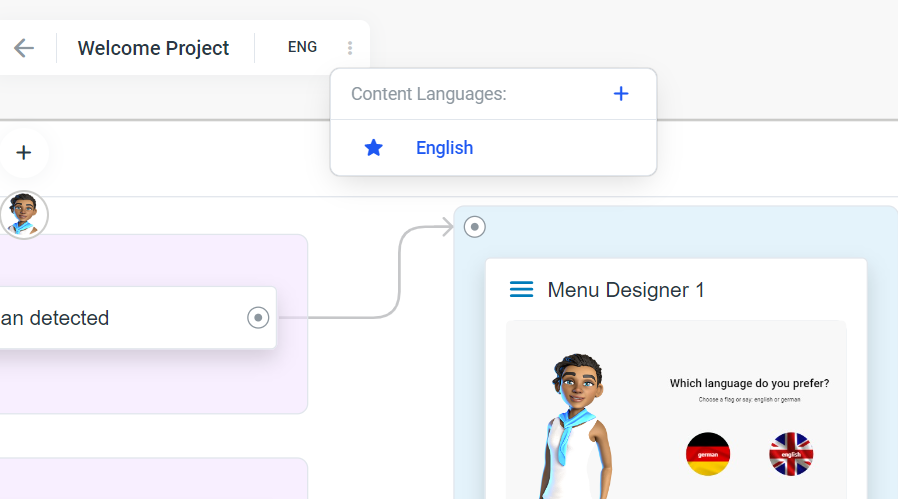
Now you can add the_ Change Language_ element in your main language (make sure that the main language is selected next to the project name in the upper left corner).
After adding the Change Language element, you can click on it and select the language you want to switch to.
Switch to the selected language (click the language next to the project name) and translate the content of the elements.
It does not depent if you choosed clone flow with content or without. The elements will be the same in every language. Remember, elements can only be edited in your main language.
Now you can add the_ Change Language_ element in your main language (make sure that the main language is selected next to the project name in the upper left corner).
After adding the Change Language element, you can click on it and select the language you want to switch to.
Switch to the selected language (click the language next to the project name) and translate the content of the elements.