
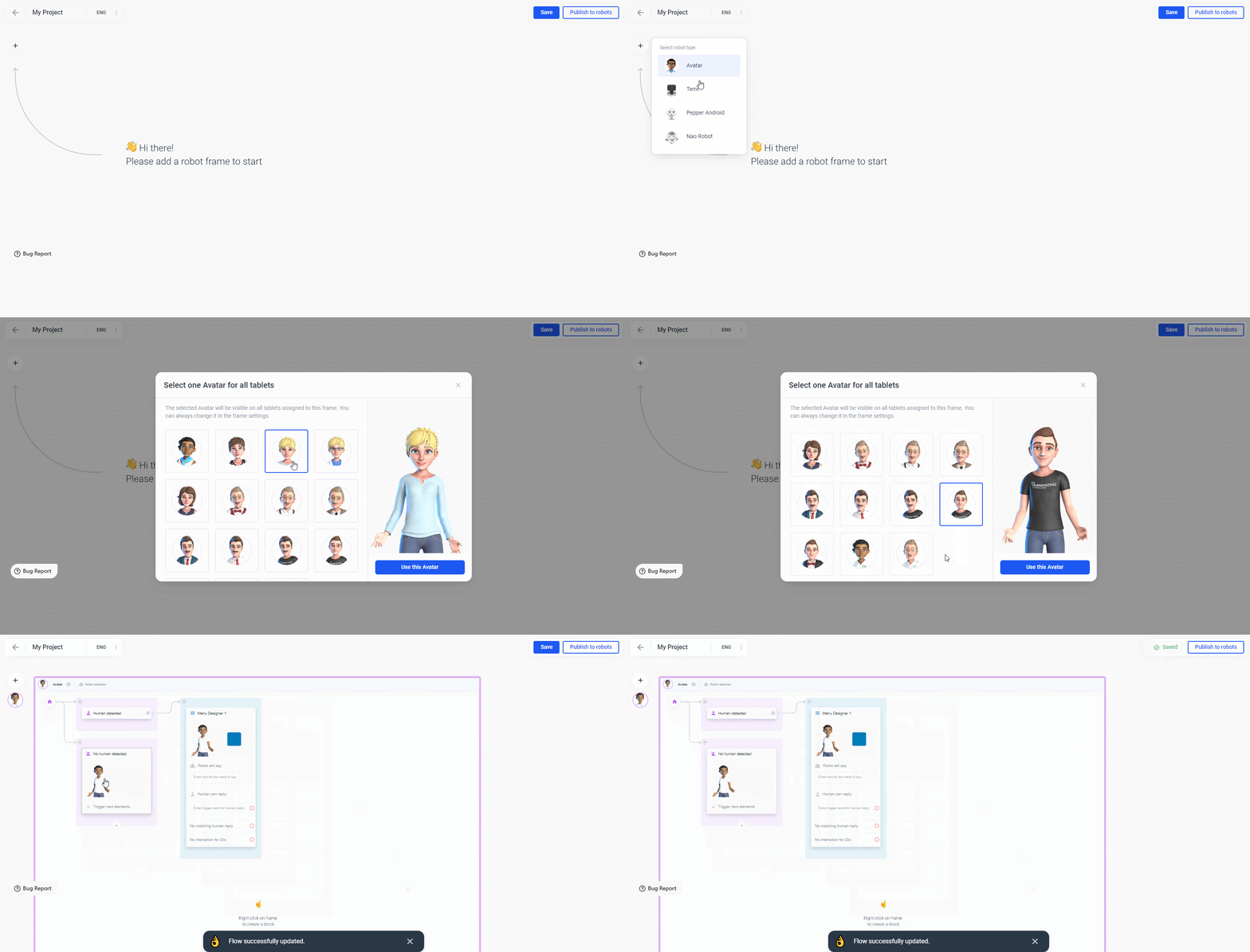
 Note that changing the type of a frame later will not work if you use elements that are not available for the other type.
To increase the size of your Frame, click on the Frame’s border to highlight it. Afterwards you can click and drag either side, bottom or both:
Note that changing the type of a frame later will not work if you use elements that are not available for the other type.
To increase the size of your Frame, click on the Frame’s border to highlight it. Afterwards you can click and drag either side, bottom or both:
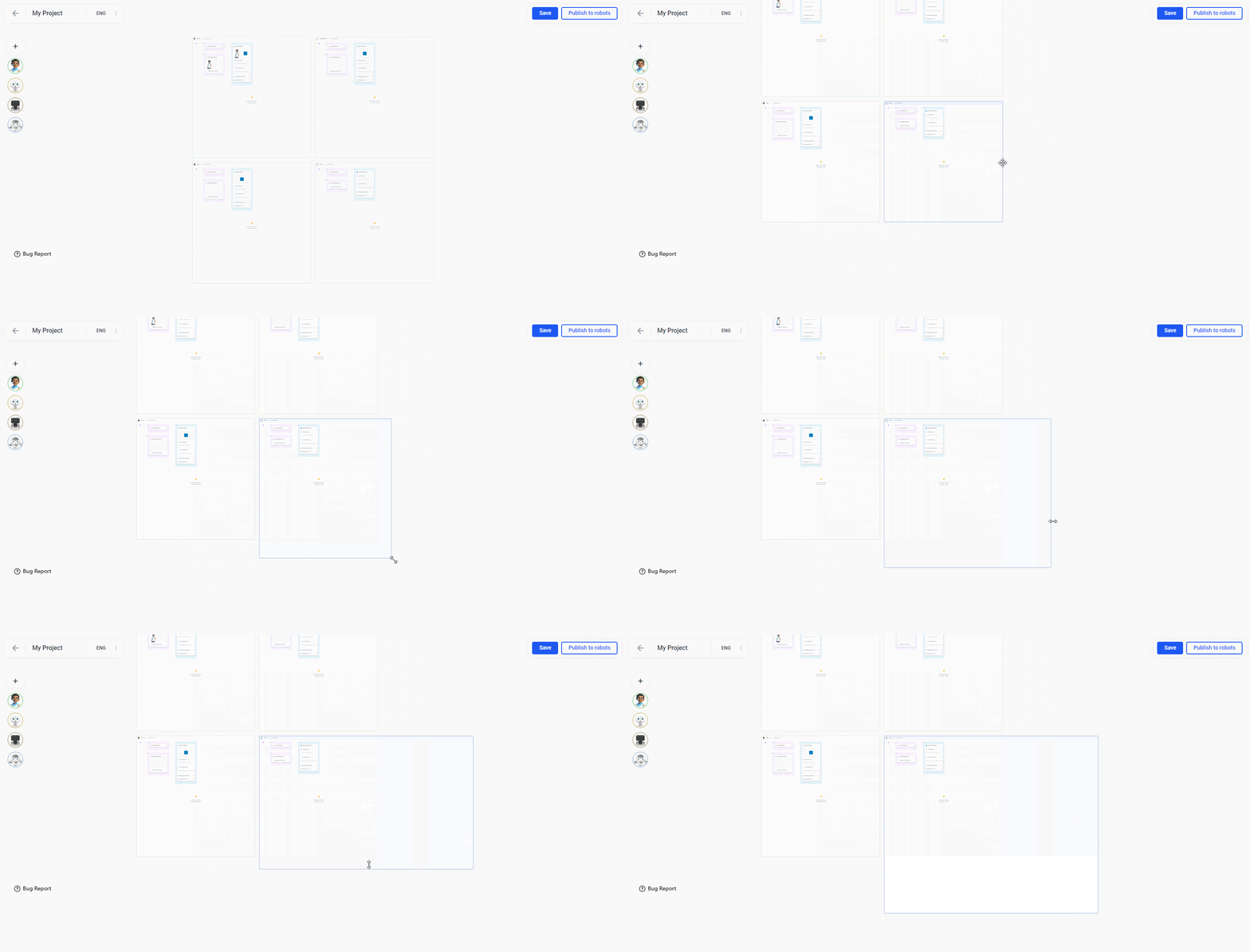 When you drag and drop elements inside a frame to the edge, the frame expands automatically.
To delete a Frame either right-click and choose from the drop-down menu or left-click on the robot type in the upper left corner and then hit the three dots in the side bar, which popped up on the right side of your screen. Choose delete and confirm:
When you drag and drop elements inside a frame to the edge, the frame expands automatically.
To delete a Frame either right-click and choose from the drop-down menu or left-click on the robot type in the upper left corner and then hit the three dots in the side bar, which popped up on the right side of your screen. Choose delete and confirm:
