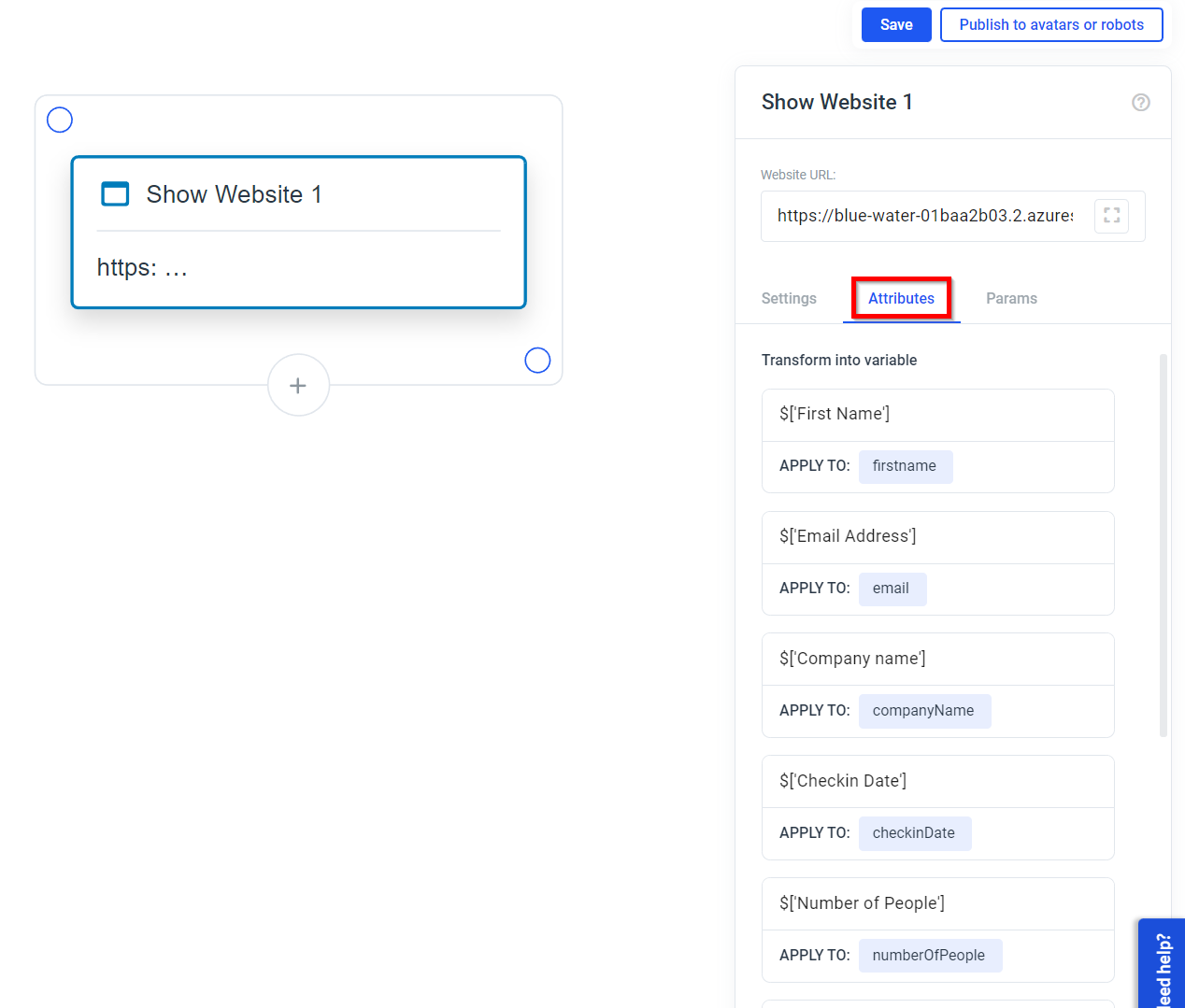
How to pass data to this app from Plural
- Create a website element in Plural
- Use this URL: https://forms.plural-plugins.com/
- Set the parameters to pass from Plural to the Forms app
- Set the attributes that shall be saved from the Forms app into Plural
How to pass parameters into this app
- This app will create a form field with a label and an input field for each parameter that you pass to the website
- Each parameter key will be used as the label
- Each value will be used as the prefilled value of the input field
-
OPTIONAL: you can set the type of the input field by adding a
::<type>to the Parameter Key in Plural (the type has to be any valid input type for HTML input elements and the fallback value / standard type if you do not pass in anything is “text”) -
OPTIONAL: to force users to fill out a field you can set the “required” attribute by passing a * after the Parameter Key and before the :: (e.g.:
User-ID*::number) -
OPTIONAL: you can set the language of the form by passing a language code as
systemLanguageto the website element (has to be ISO 639-2 format (e.g.:engorger) and is currently predefined to only understand German. Default is English.)
Here are some examples
Here are some examples that should help you to get started.Passing a parameter as text
Your Input in Plural:
_Parameter Key = __First Name::text_
_Parameter Value = __Michael_
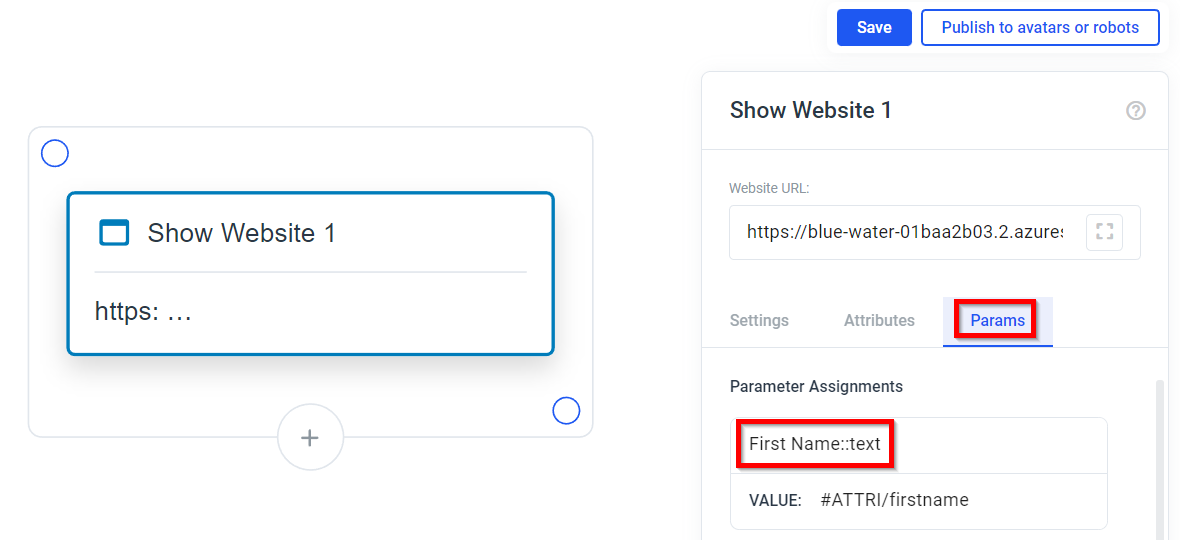 Your rough output in the App:
In this case, the parameter key is used as the label and the parameter value is used as the prefilled value of the input field. The type of the input field is set to “text” by default.
Your rough output in the App:
In this case, the parameter key is used as the label and the parameter value is used as the prefilled value of the input field. The type of the input field is set to “text” by default.
Overriding the shown label of a parameter
Your Input in Plural: _Parameter Key = __First Name[Vorname]::text_
_Parameter Value = _`Michael```
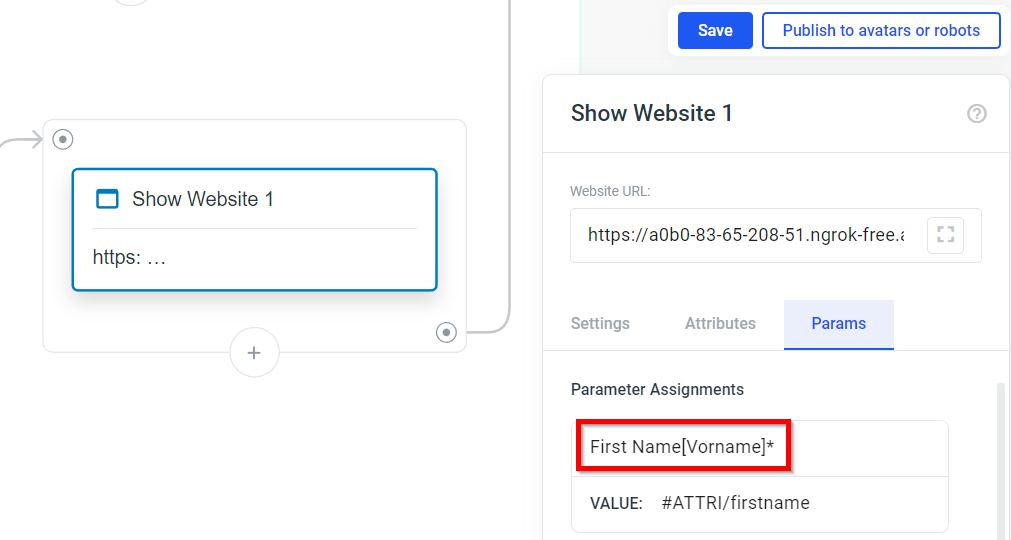 Your rough output in the App:
In this case, the parameter key is used as the label and the parameter value is used as the prefilled value of the input field. The type of the input field is set to “text” by default. The label is overwritten by the text in the square brackets.
Your rough output in the App:
In this case, the parameter key is used as the label and the parameter value is used as the prefilled value of the input field. The type of the input field is set to “text” by default. The label is overwritten by the text in the square brackets.
Passing a parameter as email
Your Input in Plural: _Parameter Key = __Email Address*::email_
_Parameter Value = __john.doe@humanizing.com_
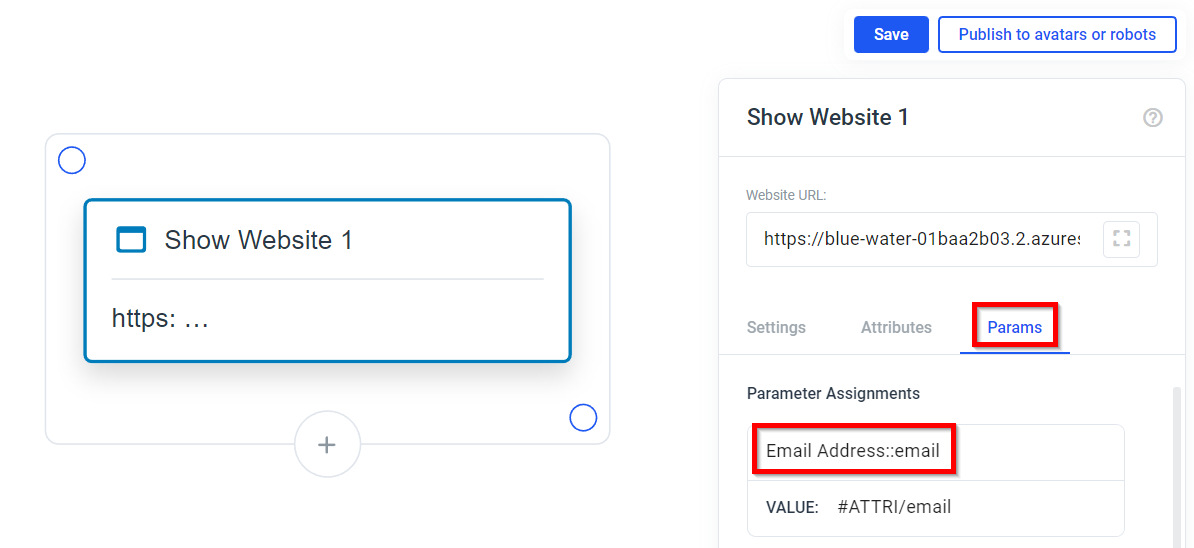 Your rough output in the App:
In this case, the parameter key is used as the label and the parameter value is used as the prefilled value of the input field. The type of the input field is set to “email”. The “required” attribute is set because of the * after the Parameter Key.
Your rough output in the App:
In this case, the parameter key is used as the label and the parameter value is used as the prefilled value of the input field. The type of the input field is set to “email”. The “required” attribute is set because of the * after the Parameter Key.
Passing a parameter without a type
Your Input in Plural: _Parameter Key = __Company name_
_Parameter Value = __Humanizing_
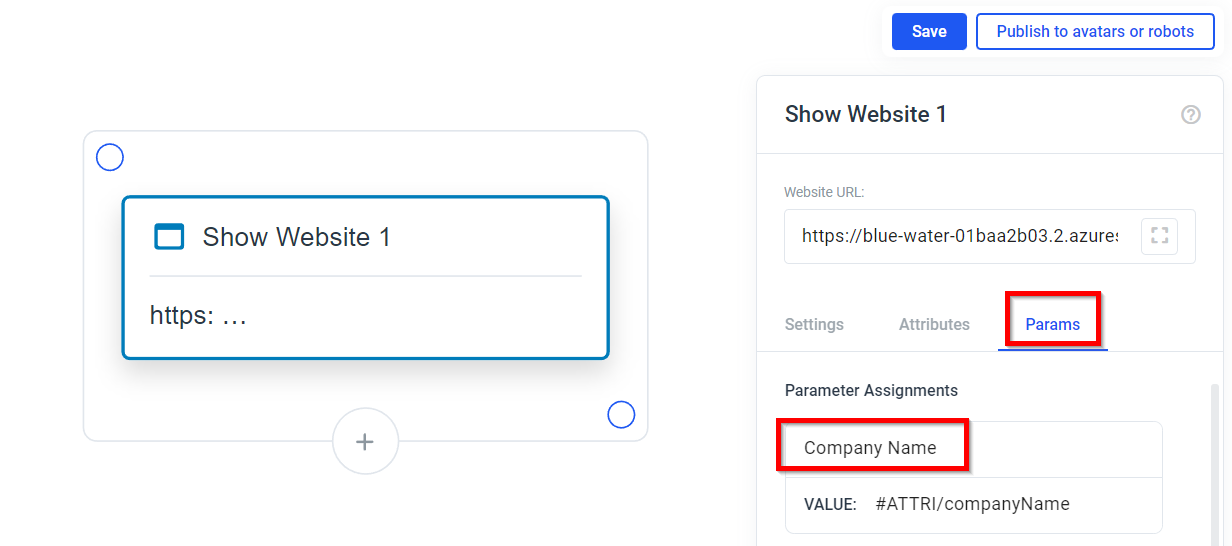 Your rough output in the App:
In this case, the parameter key is used as the label and the parameter value is used as the prefilled value of the input field. The type of the input field is set to “text” by default.
Your rough output in the App:
In this case, the parameter key is used as the label and the parameter value is used as the prefilled value of the input field. The type of the input field is set to “text” by default.
Passing a parameter as date
Your Input in Plural: _Parameter Key = __Checkin Date::date_
_Parameter Value = __2023-03-15_
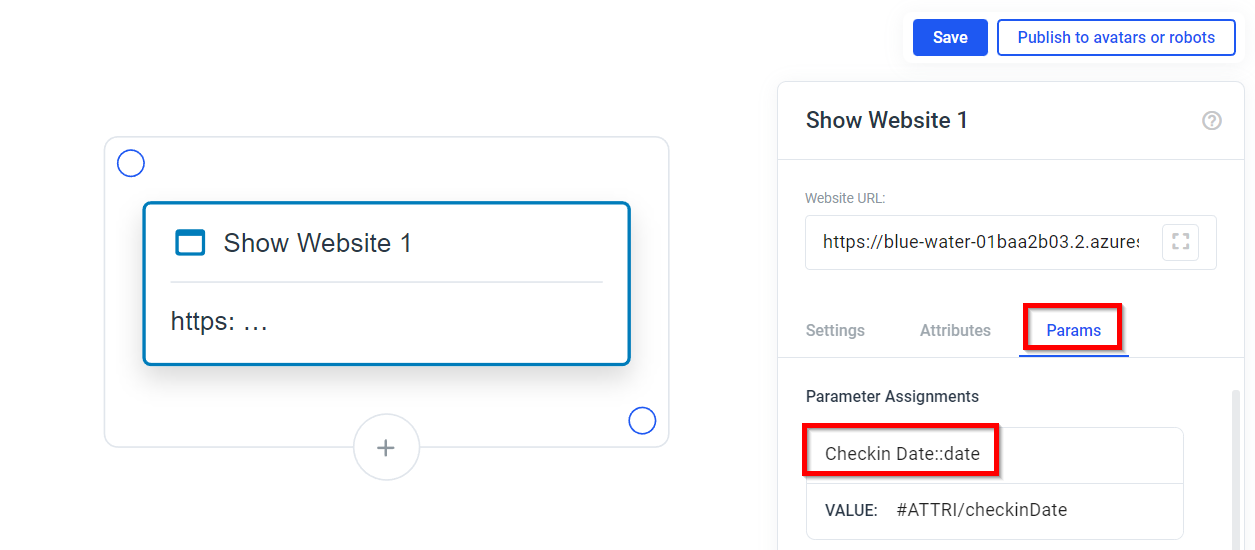 Your rough output in the App:
In this case, the parameter key is used as the label and the parameter value is used as the prefilled value of the input field. The type of the input field is set to “date”.
Your rough output in the App:
In this case, the parameter key is used as the label and the parameter value is used as the prefilled value of the input field. The type of the input field is set to “date”.
Passing a parameter as number
Your Input in Plural: _Parameter Key = __Number of People::number_
_Parameter Value = __7_
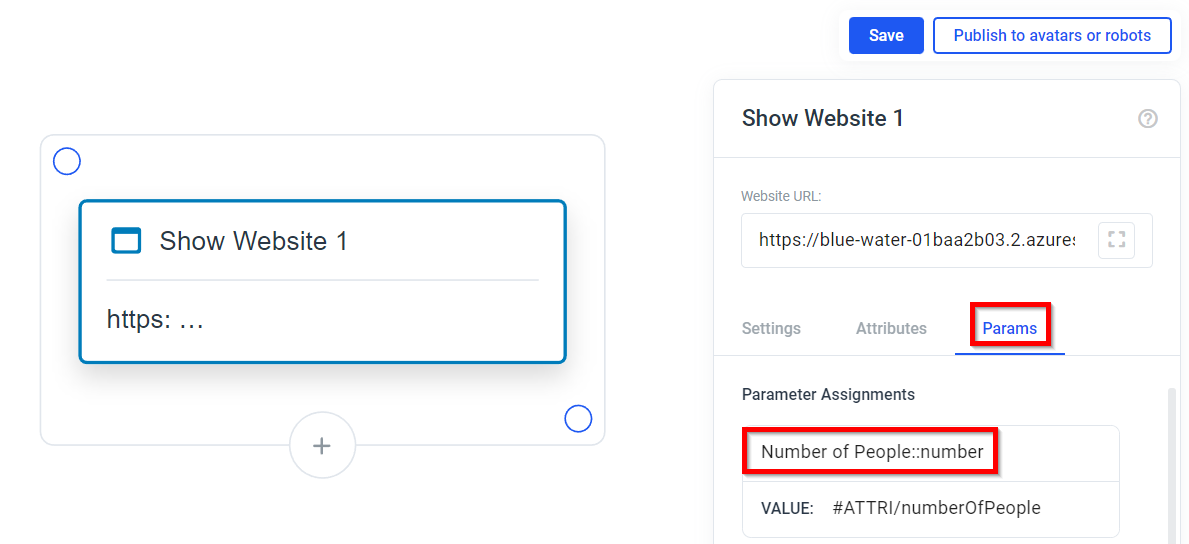 Your rough output in the App:
In this case, the parameter key is used as the label and the parameter value is used as the prefilled value of the input field. The type of the input field is set to “number”.
Your rough output in the App:
In this case, the parameter key is used as the label and the parameter value is used as the prefilled value of the input field. The type of the input field is set to “number”.
Switching between English and German
Your Input in Plural: _Parameter Key = __systemLanguage_
_Parameter Value = __ger_
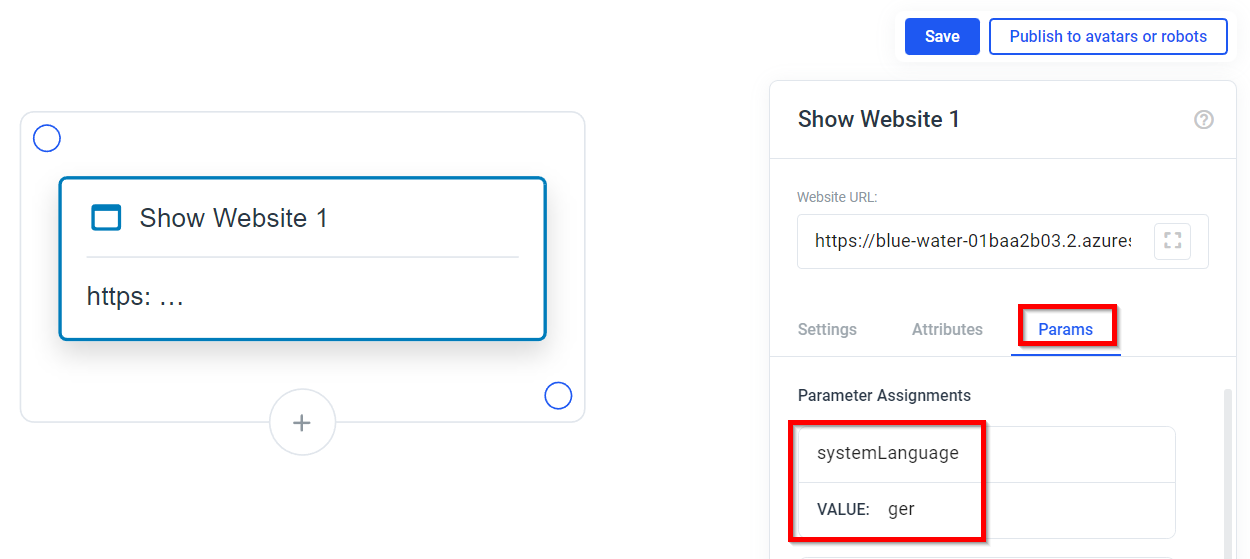 Your rough output in the App: The form will be displayed in German. Precisely, the buttons and the text that the Avatar says when a required field is still missing will be in German.
Passing a parameter for a country dropdown
Your Input in Plural: _Parameter Key = __Country::countrydropdown_
_Parameter Value = __de_
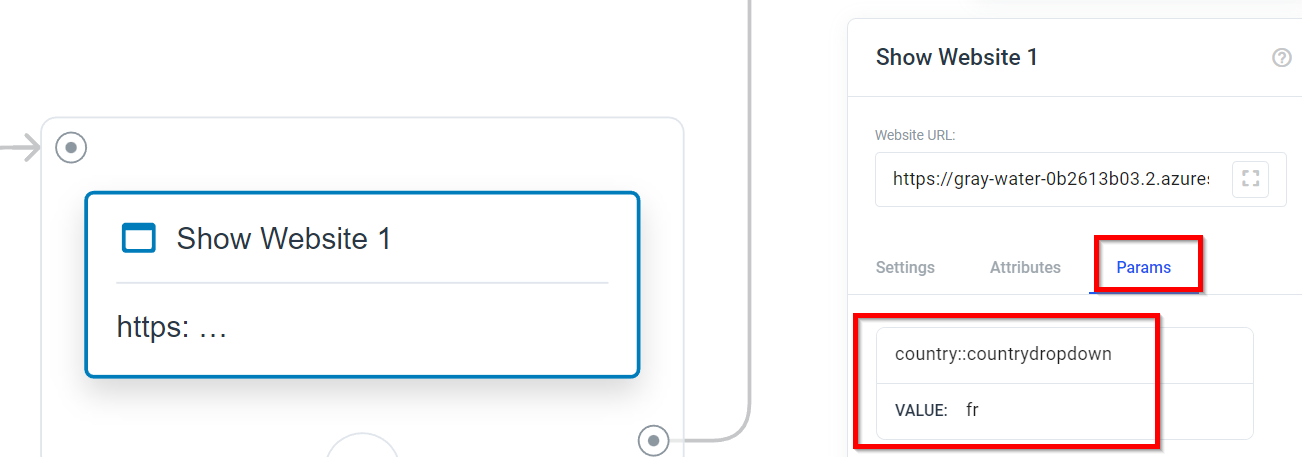 Your rough output in the App:
In this case, the parameter key is used as the label and the parameter value (ISO 3361 alpha-2 country code) is used to pre-select the country in the dropdown list. The dropdown list contains all available countries, each with their respective country codes as values. When a country is selected, the country code will be returned.
Your rough output in the App:
In this case, the parameter key is used as the label and the parameter value (ISO 3361 alpha-2 country code) is used to pre-select the country in the dropdown list. The dropdown list contains all available countries, each with their respective country codes as values. When a country is selected, the country code will be returned.
Make the Avatar say something at the start of the form
Your Input in Plural: _Parameter Key = __say_
_Parameter Value = __Hello, my name is Mia. I am here to help you with your booking._
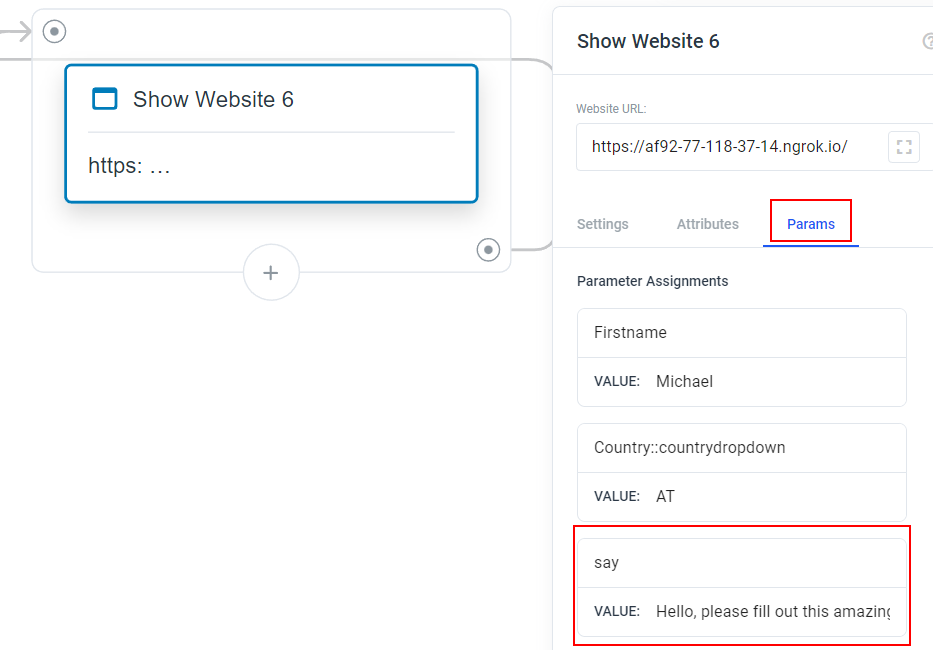 Your rough output in the App:
The Avatar will greet the user with the sentence that you passed in.
Your rough output in the App:
The Avatar will greet the user with the sentence that you passed in.
Show a title at the start of the form
Your Input in Plural: _Parameter Key = __title_
_Parameter Value = __This is the title._
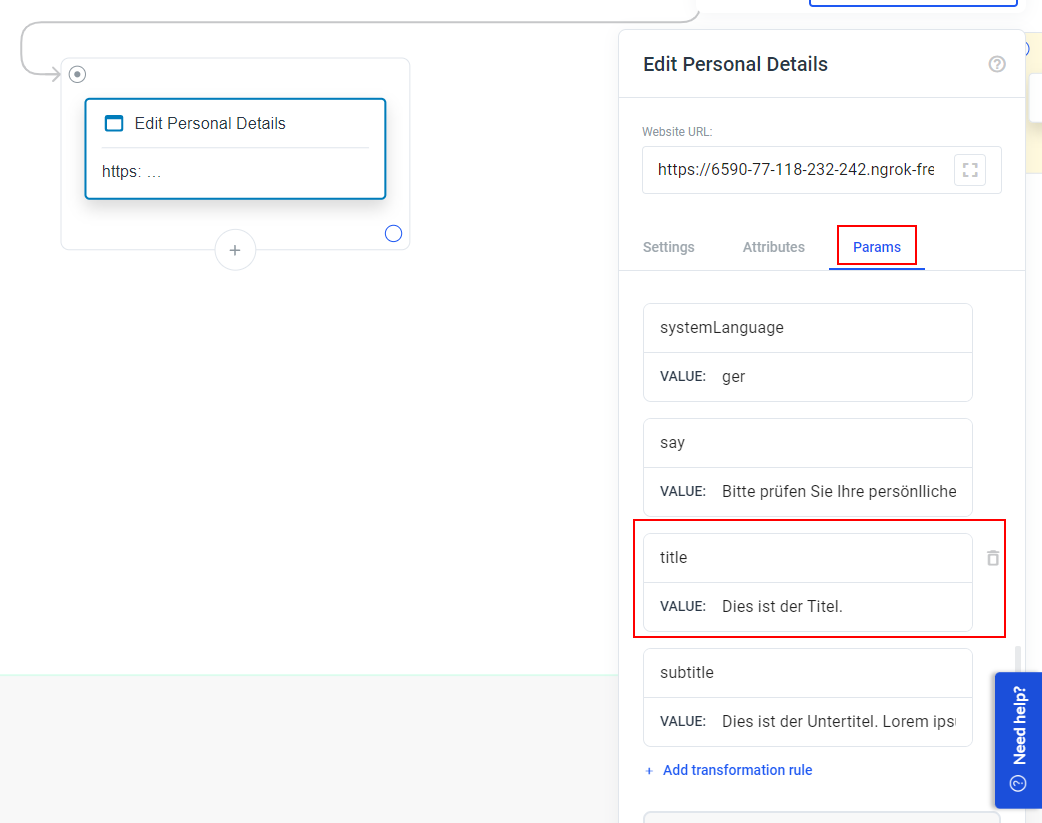 Your rough output in the App:
You will see a title above the form with the text that you passed in.
Your rough output in the App:
You will see a title above the form with the text that you passed in.
Show a subtitle at the start of the form
Your Input in Plural: _Parameter Key = __subtitle_
_Parameter Value = __This is the subtitle._
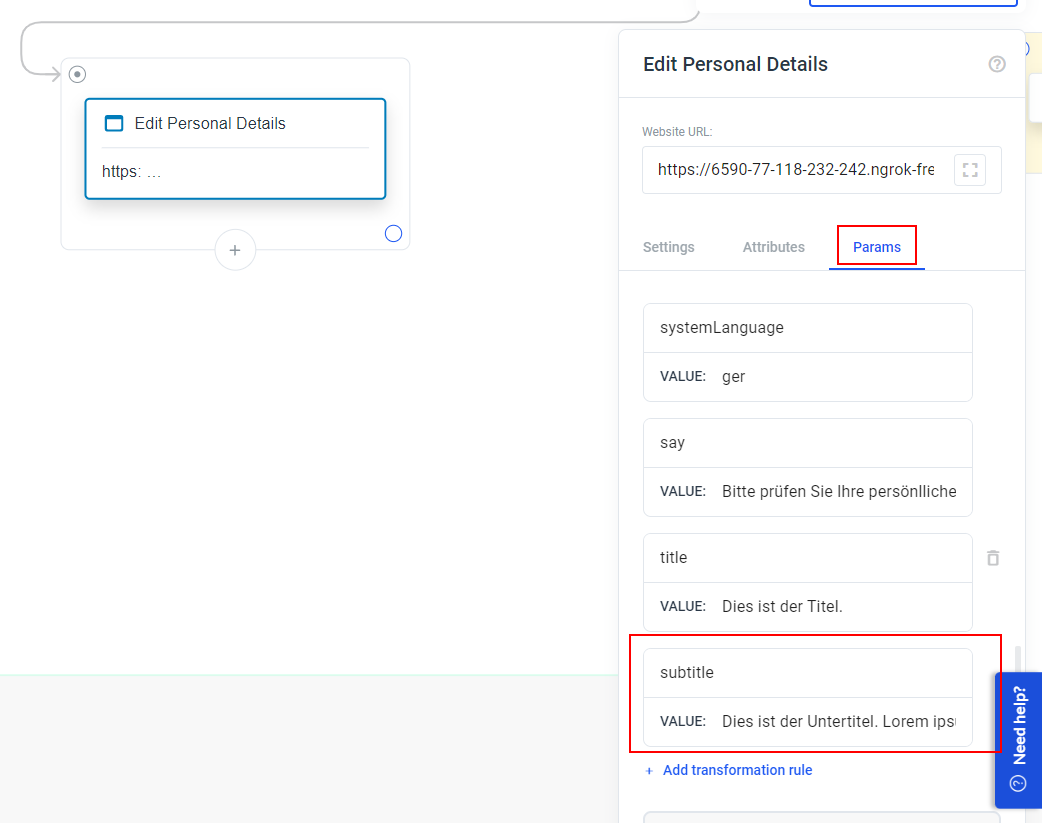 Your rough output in the App:
You will see a subtitle above the form with the text that you passed in.
Your rough output in the App:
You will see a subtitle above the form with the text that you passed in.
How to pass parameters back to Plural
- In Plural go to the “Attributes” tab of the website element
-
For the JSON Key Path add
$['<NameOfYourParameterKey>'](e.g. for the example from above it would be$['First Name']or$['Checkin Date']and so on) - Select the variable in which you want to save it