1. Get the addon for Google Chrome:
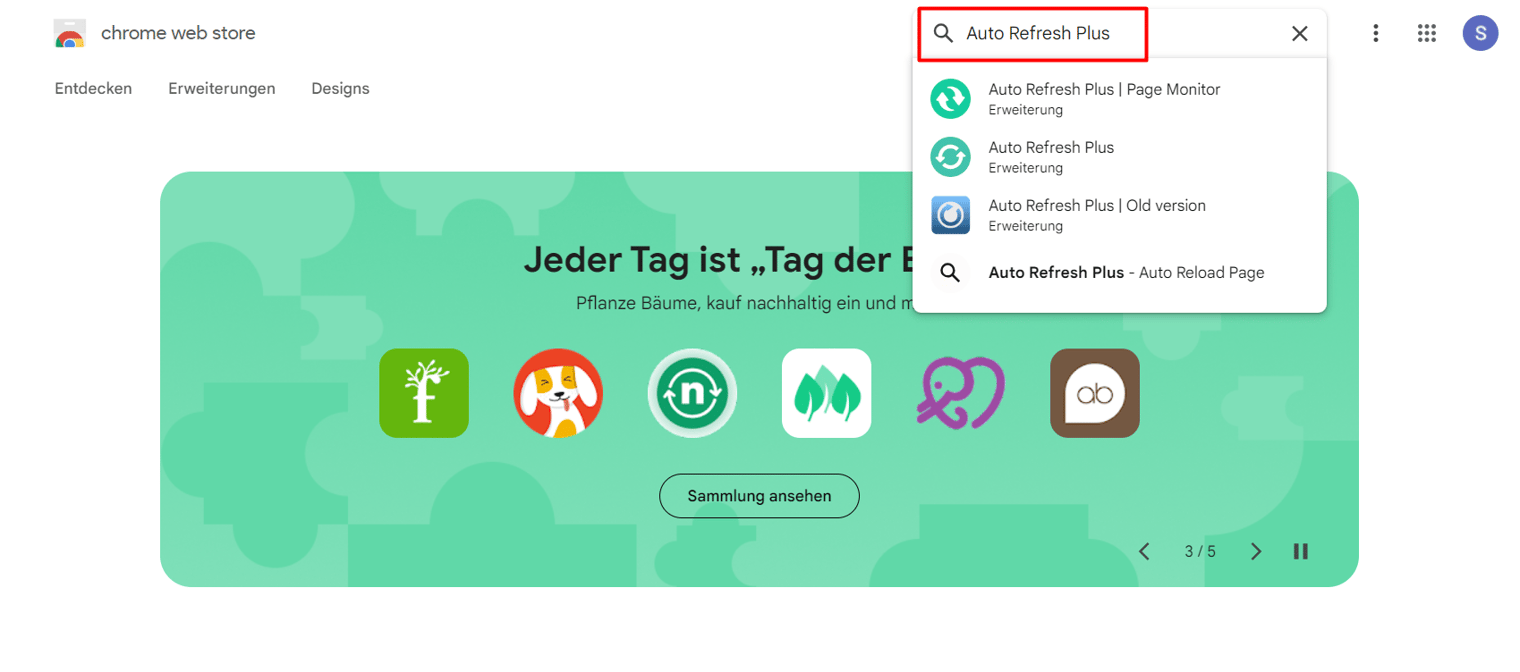
Open the Google Chrome web store for addons.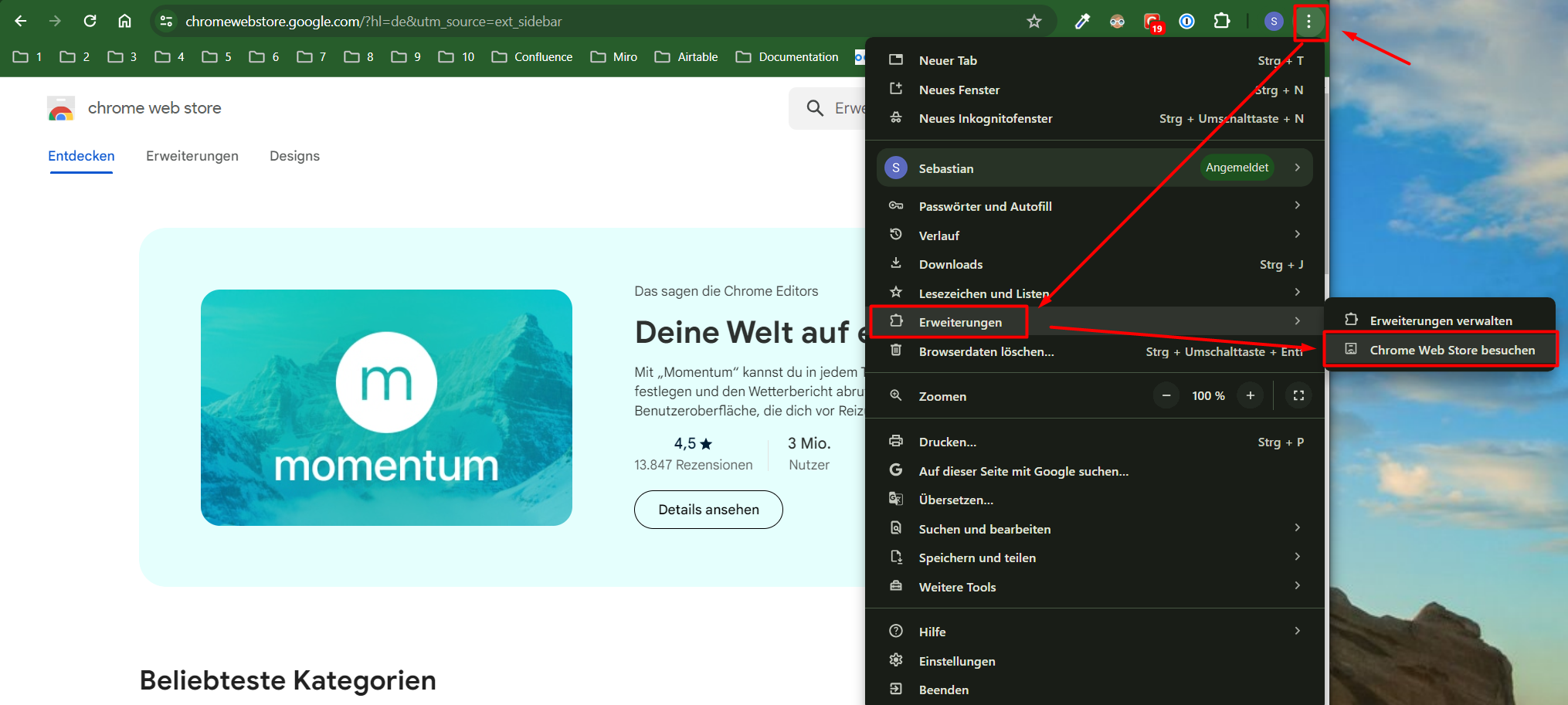 Search for: “Auto Refresh Plus | Page Monitor” and select it.
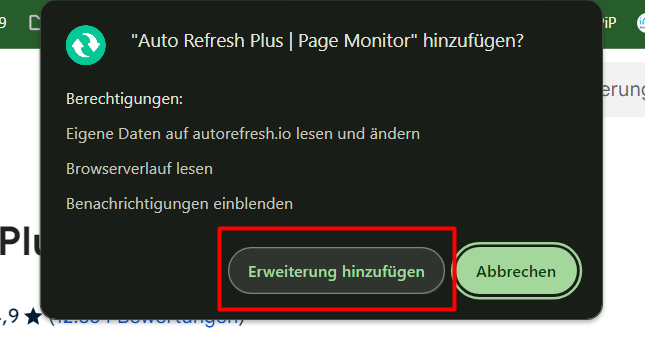
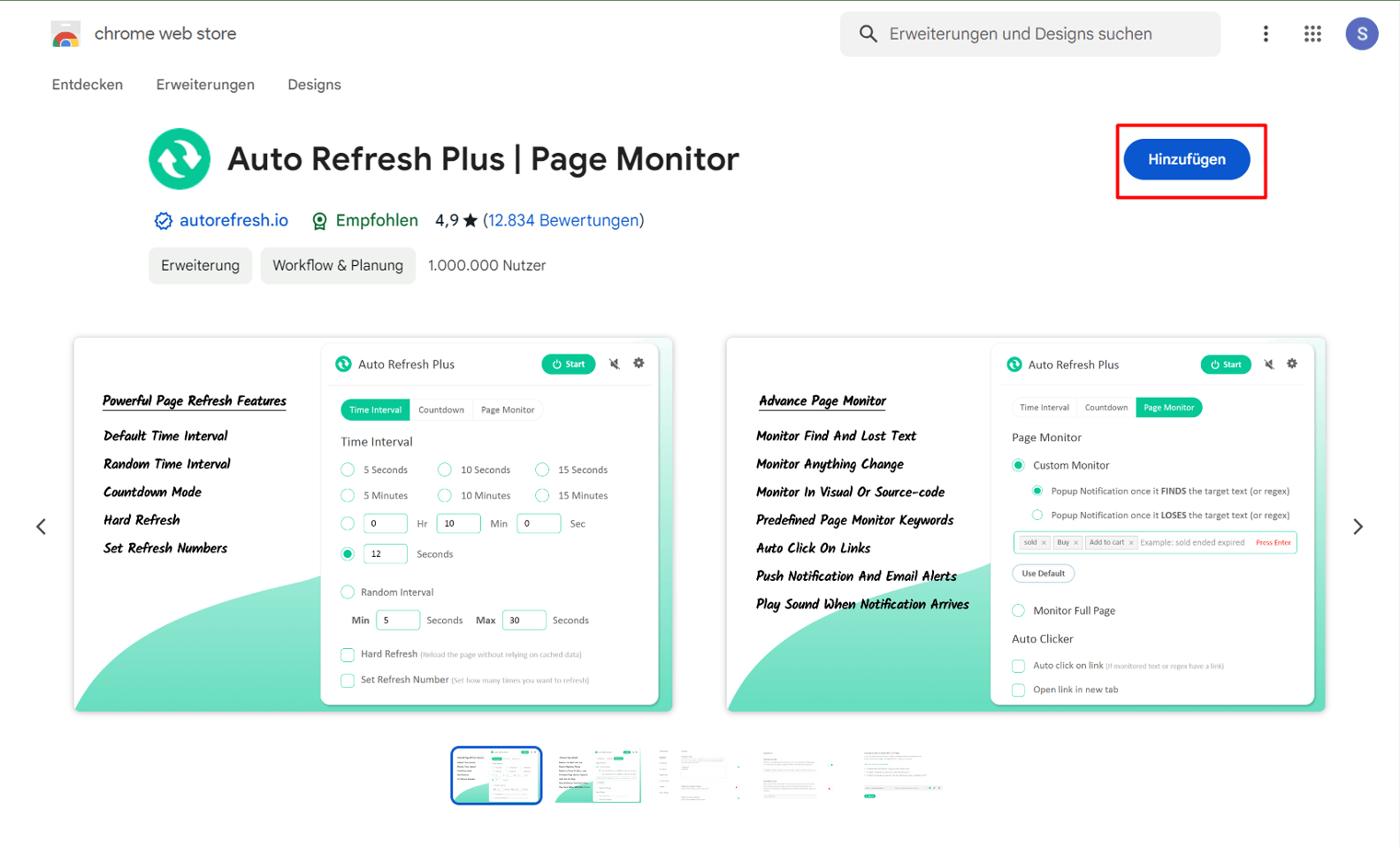 Then confirm to enable the installation.
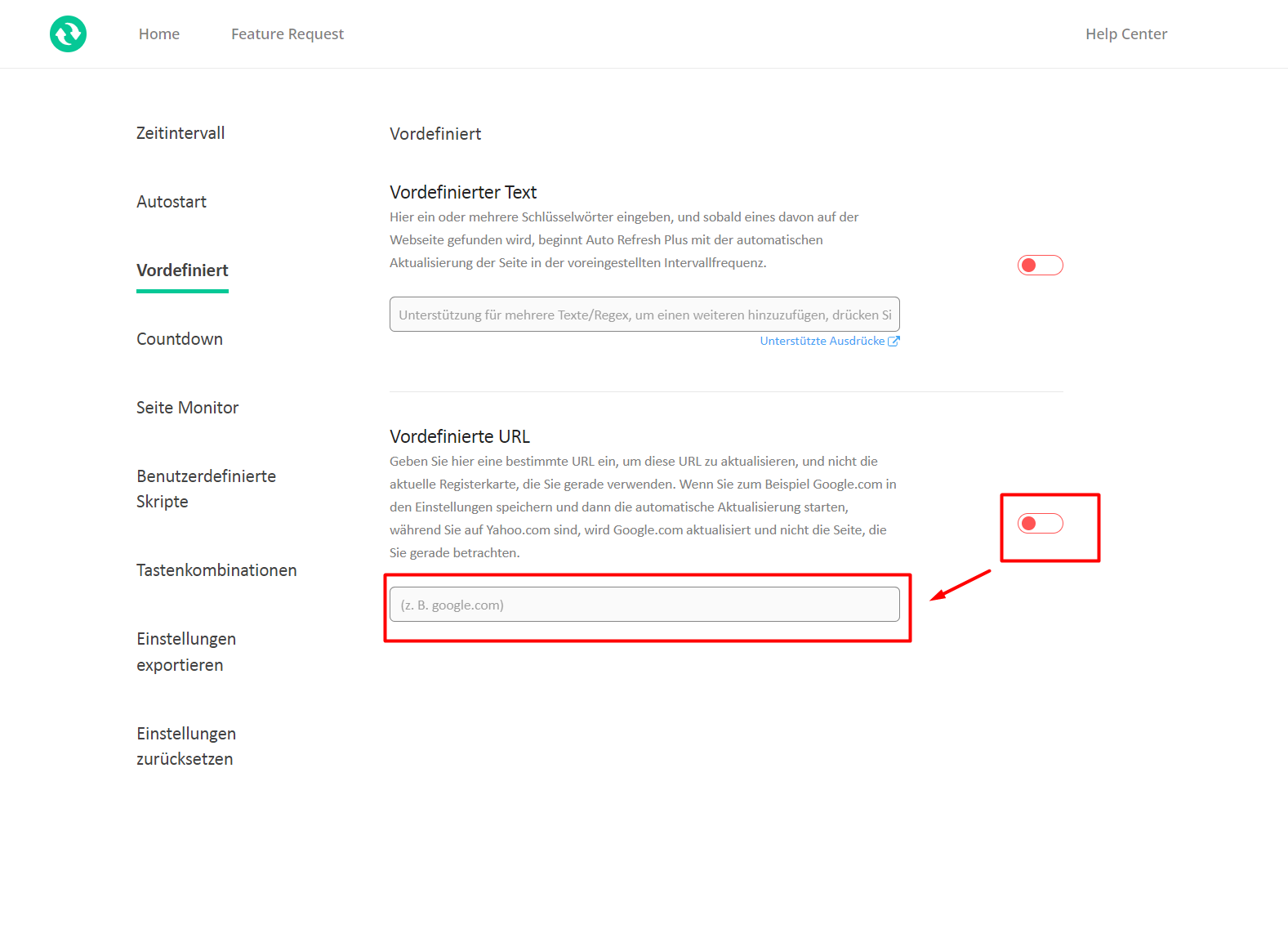
 Go to predefined and enable the predefined URL. Then enter the URL of your Avatar page: i.e. https://go.plural.io/s/54a4867a00
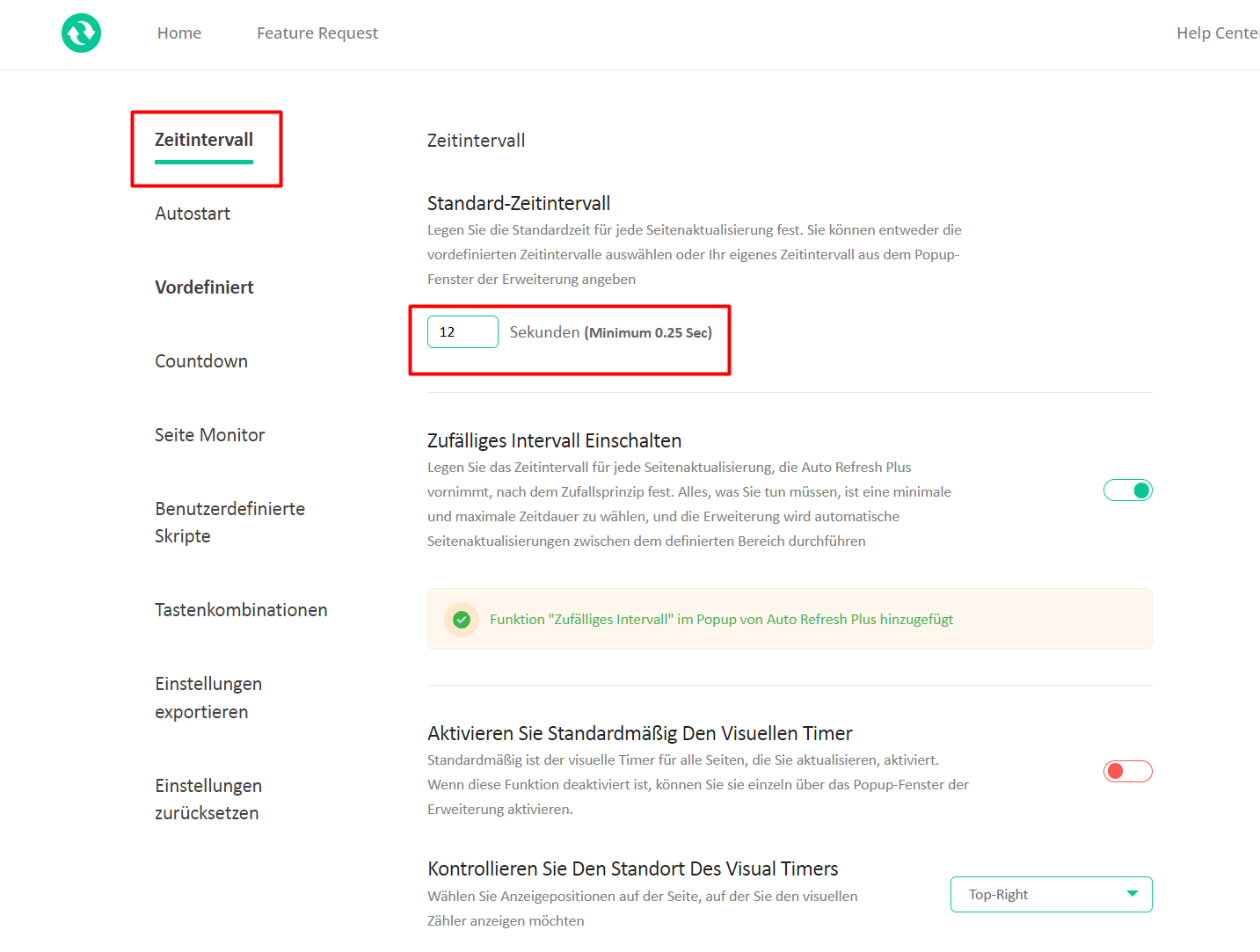
 Then set the frequency in the frequency tab:
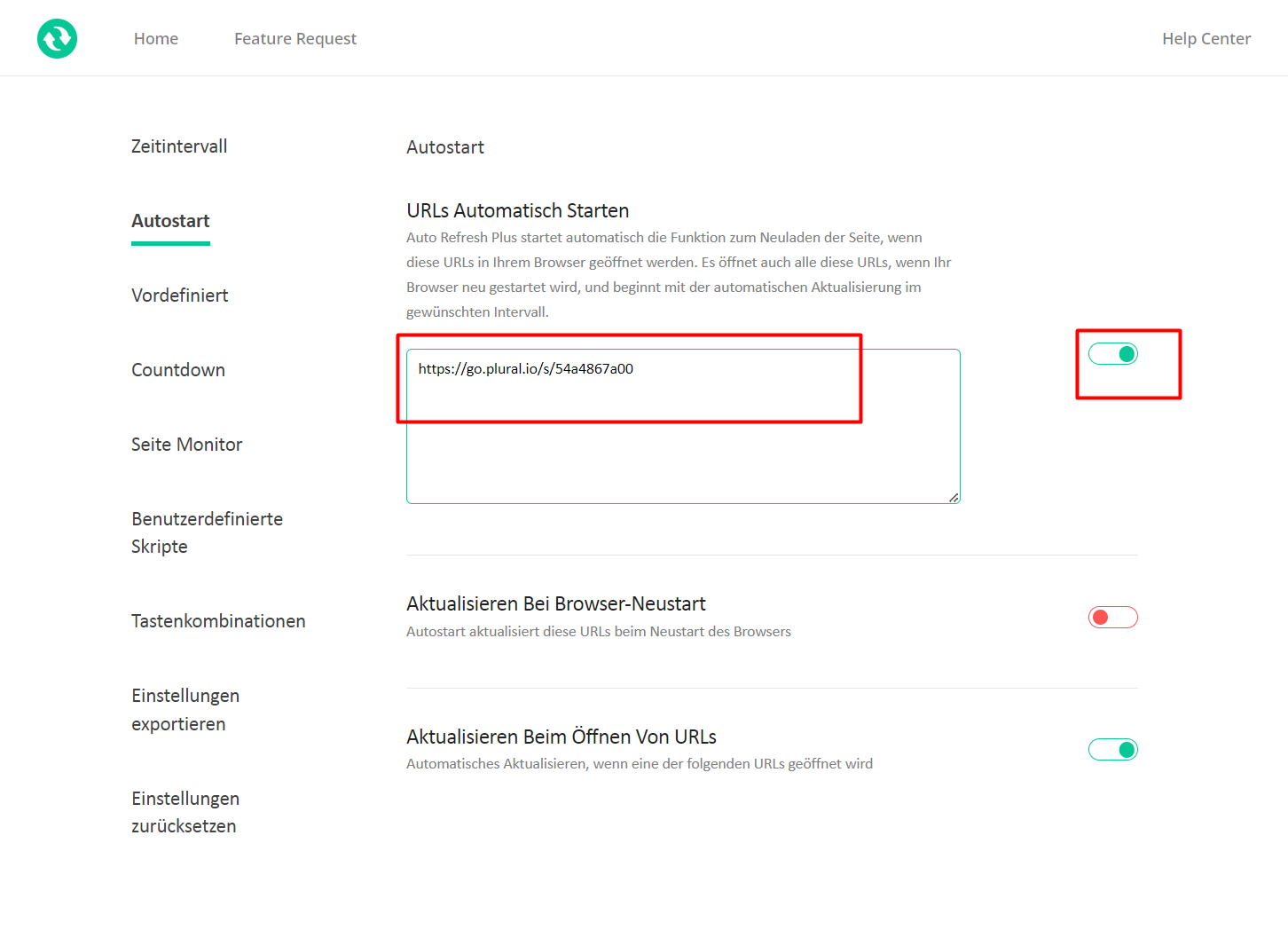
 Then insert the URL into the Autostart section and enable it: